
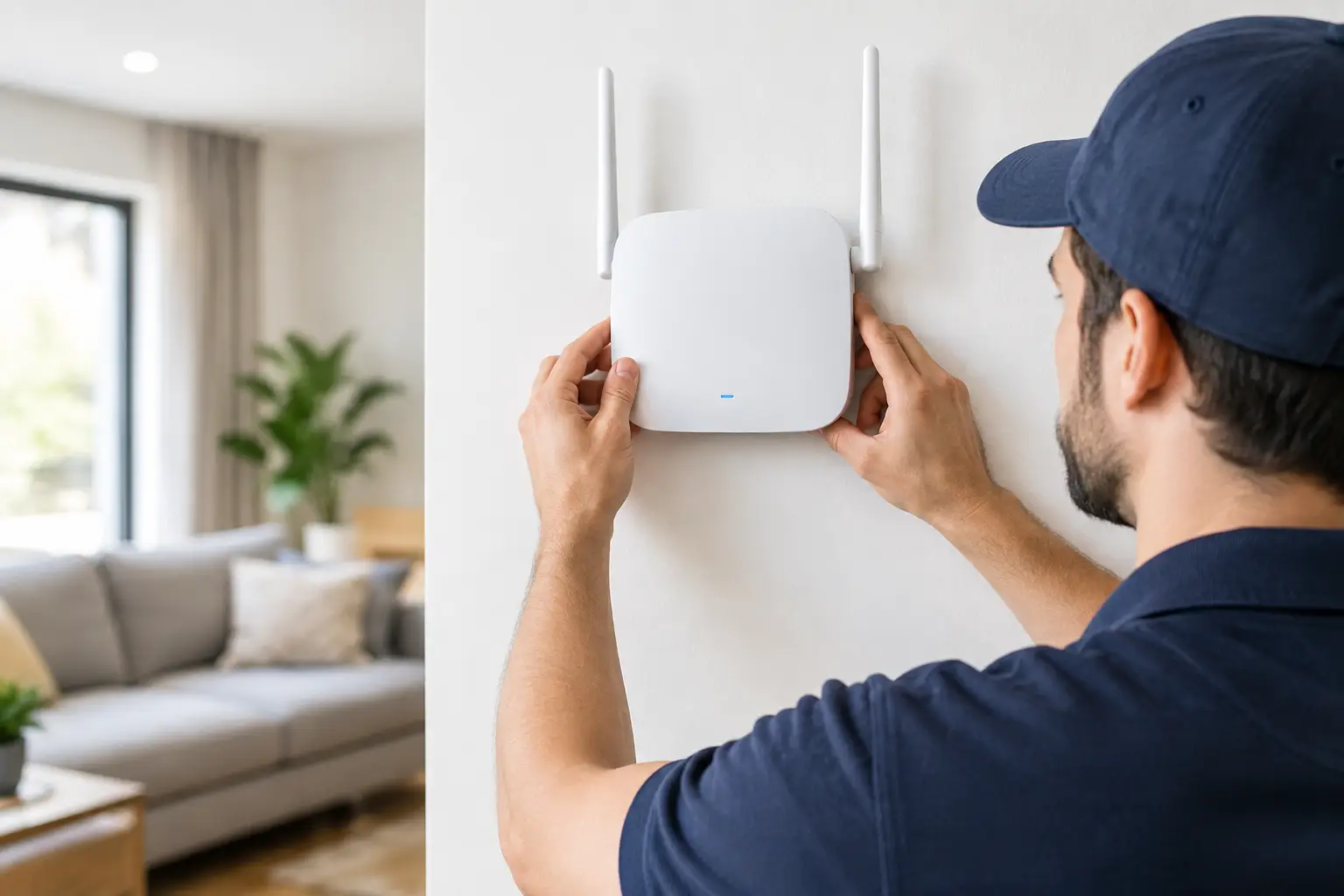
A video call freezing halfway through a meeting, a Ring doorbell dropping offline, or children unable to use the internet upstairs is rarely fixed by buying another cheap Wi-Fi extender. Proper WiFi access point installation gives your home a strong signal where you actually use it, rather than asking one router to fight through brick walls, floors and kitchen appliances.
For many homes, the broadband connection itself is perfectly good. The problem is getting that connection reliably from the router to the loft conversion, garden office, back bedroom or far end of the house. An access point is often the clean, long-term answer.
When is an access point the right fix?
If the Wi-Fi is weak in one room but fine beside the router, you have a coverage problem rather than necessarily a broadband fault. This is particularly common in larger family homes, Victorian properties with thick internal walls, new extensions, converted garages and homes where the router has been installed in a poor location by the broadband provider.
A Wi-Fi access point creates another point of wireless coverage, connected back to your router by a proper data cable. It gives phones, laptops, smart TVs, cameras and doorbells a much better route to the internet without relying on a weak wireless relay.
You may benefit from an access point if your Wi-Fi drops out upstairs, smart-home equipment regularly shows as offline, your TV buffers despite decent broadband, or a home office struggles with calls. They are also useful for garden rooms and outbuildings, provided the cable route and equipment are planned properly.
It depends on the property, of course. A compact flat with one weak corner may only need the router moved or a simple adjustment to its settings. A detached house with several dead spots is more likely to need one or more wired access points.
What a Wi-Fi access point does differently
A Wi-Fi extender picks up the existing wireless signal and repeats it. That can be useful as a quick, low-cost measure, but it still depends on the extender receiving a good signal in the first place. Put it in a dead spot and it has very little to repeat. It can also reduce available speed or create an extra network name that devices do not swap between well.
An access point is wired back to the router, switch or data cabinet with Ethernet cable. That cable carries the connection directly to the access point, so the access point can provide a fresh, strong wireless signal in the new area. The result is generally more consistent for video calls, streaming, gaming, CCTV and busy households with plenty of devices connected at once.
A good installation can use the same Wi-Fi name and password throughout the house. Your phone should move between coverage areas without you hunting for another network. It is not magic, and the exact handover behaviour depends on the devices and equipment used, but a well-planned system is far less frustrating than a collection of plug-in boosters.
WiFi access point installation starts with the cable
The access point itself is only part of the job. The difference between a neat, dependable installation and a recurring problem is usually the cable route.
Ethernet cable may be run through a loft, under floors, inside suitable trunking or externally where that is the safest and tidiest option. The route needs thought before any holes are drilled. We look at where the router is, where the weak signal begins, the construction of the property and whether future equipment such as CCTV or a garden office may need a connection too.
Most modern access points can be powered through the same Ethernet cable that carries the data. This is called Power over Ethernet, or PoE. It avoids the need for a mains socket next to the unit and usually leaves a far tidier finish on a ceiling or high wall. It also means the correct power equipment needs to be specified at the start, rather than fitted as an afterthought.
Placement matters more than people think
An access point hidden in a cupboard, behind a television or in the corner of a loft is unlikely to perform at its best. Wi-Fi travels differently through plasterboard, brick, foil-backed insulation, concrete floors and metalwork. A central ceiling position often works well, but it is not the answer for every home.
For example, an access point for an upstairs office may be better mounted on the landing ceiling, while a garden room usually needs equipment positioned to serve that space directly. The aim is useful coverage, not simply a unit fixed wherever a cable happened to be easiest to run.
One access point or several?
One carefully placed access point can transform a typical three-bedroom home. Larger homes, properties with thick walls, or layouts spread across several floors may need two or more. Adding too many without planning can cause overlap and interference, so more equipment is not automatically better.
This is where honest advice matters. There is no point selling a customer three units when one cable and one quality access point will do the job. Equally, fitting a single unit in a large house and pretending every corner will receive perfect signal only stores up another call-out.
Access points, mesh Wi-Fi and extenders compared
Mesh systems are popular because they are easy to buy and set up. They can work very well, especially where the mesh units can be connected by Ethernet cable. A wireless-only mesh is still reliant on units passing the signal between themselves, so performance can fall away over distance.
An access point is usually the better choice where a cable can be installed cleanly. It is reliable, fast and well suited to fixed household equipment such as TVs, cameras, consoles and work computers. A mesh system may be the practical option in a rented property or a home where running cable would cause too much disruption.
Extenders have their place for a temporary need or a small weak area, but they are rarely the best answer to persistent whole-home Wi-Fi problems. The right option comes down to the property, budget, how much work can be carried out and what you expect the connection to handle.
What a proper installation should include
A decent job is not just fitting a white box to the ceiling and leaving. The system should be tested where you use it, including the rooms that previously had poor coverage. Devices need connecting correctly, and the cabling should be secured, discreet and labelled where appropriate.
A straightforward professional visit normally follows four stages:
- Check the existing connection. Before adding equipment, test whether the issue is broadband speed, router position, failing hardware or Wi-Fi coverage.
- Plan the route and position. Agree the cable run and access point location before work starts, with a clear explanation of what will be visible.
- Install and configure the equipment. Fit the cable, power the unit correctly and set up the Wi-Fi so it works sensibly with the existing network.
- Test the result. Check signal and connection quality in the problem areas, then make sure you know how the system works.
For homeowners, this means no loose leads trailing across rooms and no guesswork about which network the family should use. For landlords, it means a more reliable set-up that helps tenants use smart TVs, work from home and keep connected devices online.
Common problems that spoil a good system
The most common mistake is treating the router position as fixed because that is where the provider installed it. If it sits in a hall cupboard, behind the television or at one end of the house, it may never give decent coverage on its own. Sometimes relocating the router is part of the answer. In other cases, a wired access point is far less disruptive.
Another issue is using poor-quality cable or leaving external cable exposed without proper protection. A cable needs to be suitable for its route, securely fixed and installed with care around weather exposure, walls and entry points. Tidy work is not cosmetic only. It helps prevent damage and faults later.
Finally, do not overlook older devices. A new access point can improve coverage dramatically, but an ageing laptop, a poorly placed smart TV or an outdated router may still limit the result. Testing the whole set-up gives a more realistic answer than blaming the Wi-Fi for every internet issue.
A better signal should not mean more clutter
Wi-Fi should reach the rooms where life happens: the bedroom used for work, the kitchen where the family gathers, the living room TV and the doorbell at the front gate. It should not require balancing an extender on a landing socket or restarting the router every other day.
Speedy Aerials can assess the weak areas, install the right cabling and fit access points that suit the property rather than a one-size-fits-all package. You get a free call-out and quotation, fair pricing, tidy workmanship and a two-year parts-and-labour warranty on smart-home equipment. Call Larry, not a call centre, and get the problem checked properly before spending money on kit you may not need.
A strong home network is usually built around one sensible decision: put the signal where it is needed, and give it a proper wired route to get there.