
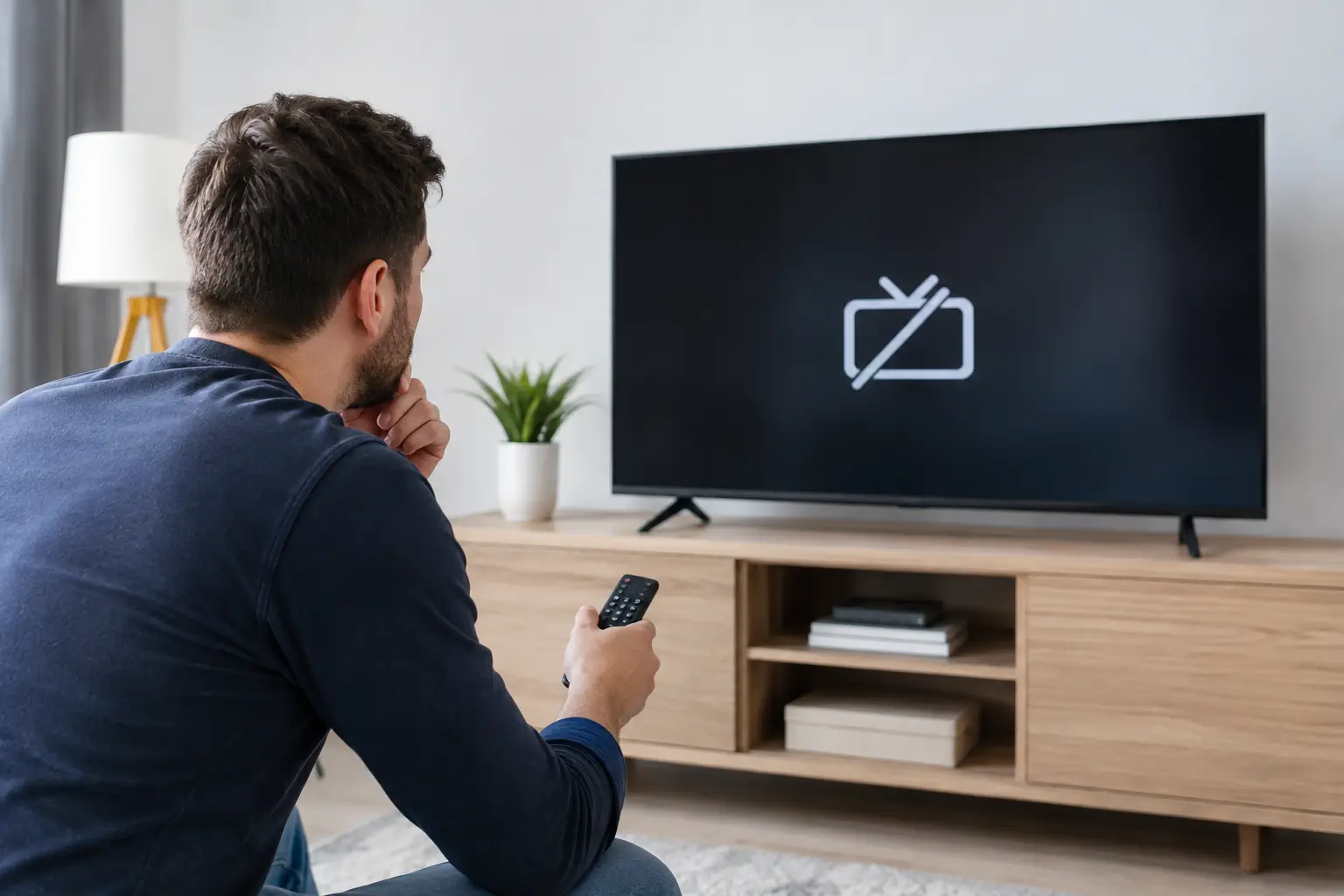
A black screen with “No Signal” rarely means the television has failed. More often, the picture has been lost somewhere between the TV and its source: a loose HDMI lead, the wrong input, a powered-off box, a damaged aerial cable or an aerial that has moved in the wind. A sensible TV no signal diagnosis starts by identifying which part of that chain is at fault, rather than replacing equipment blindly.
That matters because the same message can mean very different things. A television showing no picture from Sky is not necessarily an aerial problem. Missing Freeview channels are not necessarily a TV problem. The quickest fix comes from checking the simple things in the right order, then testing the signal properly if those checks do not solve it.
Start with what has actually stopped working
First, establish whether the issue affects everything or only one service. If Netflix and your games console work but live television does not, the TV screen itself is probably fine. If Sky is working but Freeview has disappeared, the aerial system needs attention. If every source is blank, look at the TV input, cables and power before looking outside at the aerial.
The wording on screen is useful too. “No Signal” usually means the TV is set to an input with nothing connected or has no usable aerial feed. “No satellite signal being received” points towards the dish, satellite cable, LNB or receiver. A picture that breaks up, freezes or loses certain channels suggests a weak or unstable signal rather than a complete failure.
Think about when it began. Trouble immediately after moving furniture, decorating, fitting a wall-mounted TV or changing a set-top box is often caused indoors. Trouble after high winds, heavy rain or work on the roof can indicate an external fault. If a neighbour’s Freeview is also affected, there may be a transmitter outage, but do not assume this without checking your own setup first.
TV no signal diagnosis: the checks worth doing first
There is no need to climb a ladder or dismantle sockets. A few safe checks inside the house can rule out the most common causes in minutes.
Check the selected input
Press Source or Input on the remote and confirm the correct connection is selected. A Sky box, Freesat receiver, DVD player or streaming device will normally use HDMI 1, HDMI 2 or another HDMI input. If the television has reverted to its built-in TV tuner, it may show “No Signal” even though the external box is working perfectly.
For Freeview received through an aerial, select Live TV, Digital TV, DTV or TV, depending on the make of television. For Freesat, ensure you are using the satellite mode or the correct receiver input. This sounds obvious, but remotes get pressed by children, batteries get changed and televisions sometimes reset after a power cut.
Restart the right equipment
Turn the TV and any connected box off at the mains for around 30 seconds, then switch them back on. Restart the television first, allow it to load fully, then restart the Sky, Freesat or Freeview box if you use one.
A restart can clear a temporary software or handshake issue between a TV and an HDMI device. It will not repair a split aerial cable, a water-damaged connection or a misaligned dish, but it is a quick test before arranging a visit.
Inspect accessible cables and connections
Check that the aerial or satellite cable is firmly fitted into the back of the television or box. It should not spin freely, pull out easily or hang under strain. Also check any short flylead running from a wall socket to the TV, as these are often bent sharply behind cabinets and wall-mounted screens.
For HDMI, unplug and reconnect the cable at both ends. If you have a spare HDMI lead, try it. A failed HDMI lead can produce a no-signal message even when the box is switched on and working.
Avoid forcing plugs or trying to repair an outdoor cable with tape. Satellite and aerial connections need to stay dry and correctly terminated. A bodged joint may work briefly, then fail again as moisture gets in.
Look for equipment that needs power
Many homes have a signal booster or distribution amplifier, often in a loft, cupboard, under the stairs or behind a TV unit. If it has been unplugged, switched off at a socket or tripped with a power cut, every television fed from it can lose signal at once.
Check whether a small power supply has a light on it, but do not replace amplifiers simply because the signal has gone. An amplifier cannot create a good signal from a faulty aerial, damaged cable or incorrectly aligned dish. In some properties, an unnecessary amplifier actually makes reception worse.
When retuning helps - and when it makes things worse
Retuning has its place, but it is not the first answer to every missing-channel problem. If the TV has a poor aerial signal, retuning can remove channels it could previously just about receive. You may then be left with an empty channel list as well as the original fault.
Retune only when the signal is stable and you have a reason to believe channels have changed, such as after a transmitter update or a new television installation. If the picture is breaking up, channels vanished suddenly, or the TV finds very few services, deal with the signal fault first. Once reception is restored, a proper retune should bring the channel list back.
The same principle applies to satellite systems. Rebooting a receiver can be worthwhile, but repeated resets will not correct a dish that has shifted by a few millimetres in high winds. Satellite alignment is precise, and a dish can look normal from the ground while the signal quality is too low for reliable viewing.
Signs the fault is in the aerial or satellite system
An engineer-led test is usually the right next step when indoor checks have not fixed the issue. Certain symptoms give a strong clue that the problem is outside or within the fixed cabling.
- All Freeview channels have gone, especially after wind or rain.
- Only some channels break up or disappear, often the same group each time.
- More than one television in the property is affected.
- The aerial socket is loose, damaged or has no signal at all.
- Satellite reception fails in normal weather, not only during exceptional storms.
- A fault returns after a previous quick fix or temporary cable repair.
Aerials can move, corrode or develop damaged elements over time. Cables can perish in sunlight, be chewed, crushed, incorrectly joined or affected by water entering a connector. In communal blocks, the issue may be on the shared system rather than inside your flat, which is why testing matters before anyone replaces your own equipment.
With satellite, common faults include a dish moved by wind, a failing LNB, cracked cable, loose F-connectors and water ingress. Sky Q installations can be more particular because the system uses different signal arrangements from older Sky equipment. The right repair depends on what is already installed and whether you need Sky, Freesat or both.
Why proper testing beats guesswork
A good TV fault visit should not begin with a sales pitch for a new aerial or dish. It should begin with measurement. A signal meter can check strength and quality at the aerial point, identify whether the signal is present at the roofline and show where it is being lost through the cable run, splitter or amplifier.
That is the difference between a repair that lasts and a temporary patch. Replacing a flylead might solve an indoor connection issue for a few pounds. Replacing an old aerial may be sensible if it is corroded or poorly positioned. But there is no value in fitting new kit before confirming the existing system is genuinely at fault.
At Speedy Aerials, the aim is straightforward: diagnose the cause, explain the options in plain English and fix what needs fixing on the first visit where possible. Stocked vans help with common aerial, satellite and cable faults, while fair pricing means you will not be sold equipment you do not need.
A note for landlords, tenants and communal properties
If you rent, report a fixed aerial socket, communal dish or roof-mounted aerial fault to the landlord or managing agent before authorising alterations. Keep a note of the screen message, which rooms are affected and when the problem started. That information makes it easier to establish whether the fault is inside the property or part of the shared installation.
If only your TV is affected, a loose flylead, wrong input or failed set-top box may still be your responsibility. If several flats have lost reception, it is more likely to be a communal-system issue. Either way, a clear diagnosis avoids arguments and unnecessary work.
A no-signal screen is frustrating, particularly when it happens just before the match, the children’s programme or a quiet evening in. Start with the safe indoor checks, do not retune away a weak signal, and get the system tested if the fault persists. A proper diagnosis is usually faster, cheaper and far less disruptive than guessing.