
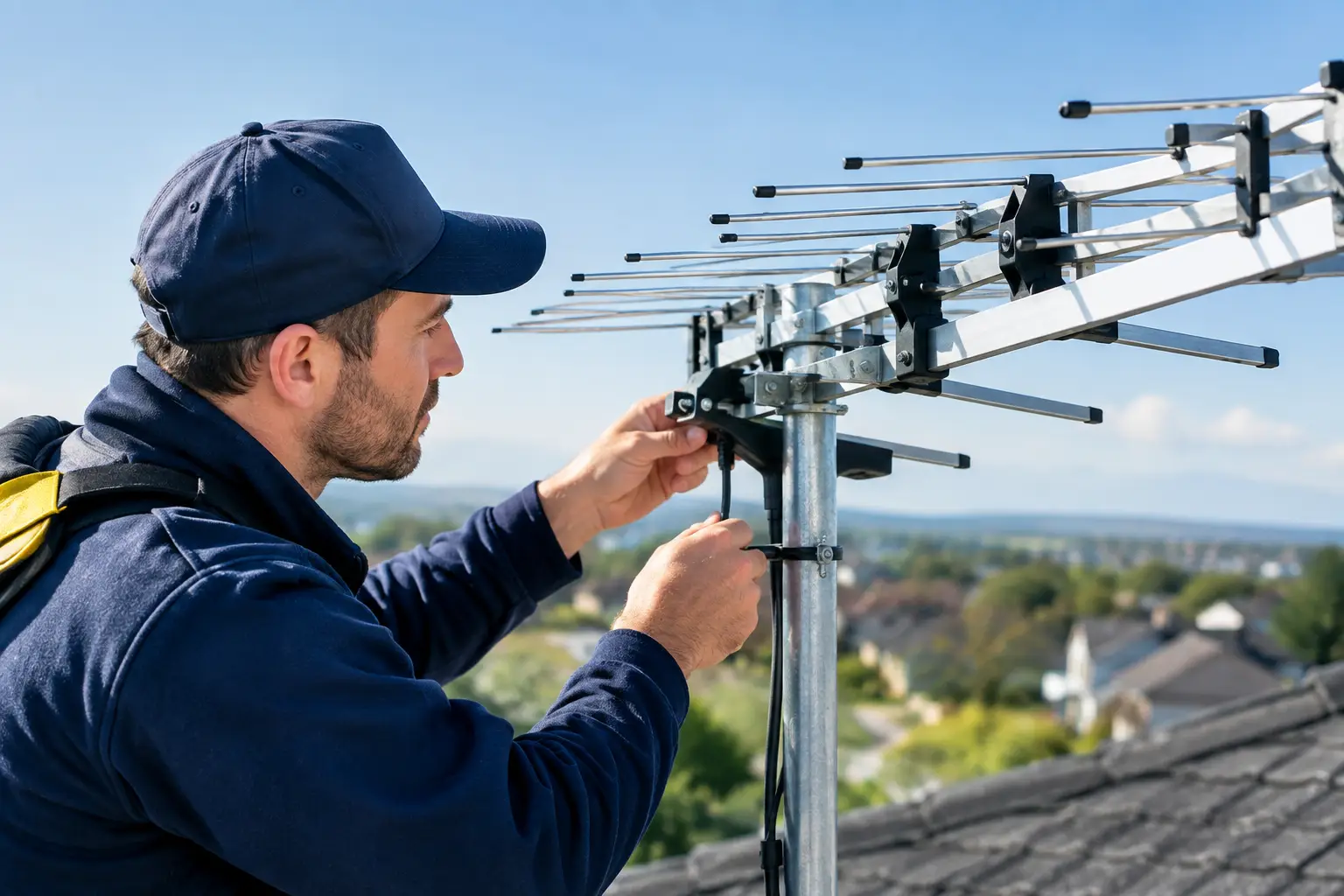
A TV that breaks up whenever the weather turns, loses certain channels or shows a flat “no signal” message may need more than a retune. Freeview aerial signal alignment is about pointing the aerial accurately at the right transmitter and making sure the whole signal path is sound. A small error at roof level can mean a big difference on the screen.
It is tempting to assume the aerial has simply blown out of position. Sometimes it has. But loose cables, water in a connection, a failing amplifier or a damaged aerial can create exactly the same symptoms. The aim is not to move things around until the picture comes back. It is to find the cause, correct it properly and leave you with reliable reception.
What aerial alignment actually means
Your aerial receives terrestrial television signals from a local transmitter. For homes around Hertfordshire, Bedfordshire, Cambridgeshire, Buckinghamshire, Northamptonshire, Essex and London, the correct transmitter is not always the nearest one as the crow flies. Hills, trees, neighbouring buildings and the direction your property faces can all affect the usable signal.
Alignment involves setting the aerial’s direction, height and angle for the best balance of signal strength and quality. Strength matters, but quality is often the figure that tells the real story. A powerful but noisy or reflected signal can still cause pixelation, sound drop-outs and missing channels.
An engineer also checks the aerial’s polarisation. Most Freeview transmitters use horizontal polarisation, so the aerial elements sit flat. Some relay transmitters use vertical polarisation, where the elements sit upright. Getting this wrong can leave a television picking up a weak, unreliable signal even when the aerial appears to point in roughly the right direction.
Signs your Freeview aerial needs attention
A sudden complete loss of picture after high winds can point to a moved aerial, loose bracket or damaged cable. If the problem affects every television in the house, the fault is more likely to be at the aerial, distribution amplifier or main cable than at an individual TV.
Other faults develop gradually. You may notice a few channels disappearing, a picture that breaks into blocks in the evening, or reception that fails in heavy rain. These are often signs of a marginal signal, deteriorating connections or water entering an external cable.
Before assuming alignment is the answer, check the simple things indoors. Make sure the aerial lead is firmly seated, the TV is set to the correct input and any powered signal booster is switched on. If only one room is affected, try another flylead or television first. That avoids paying for roof work when the problem is a £5 lead behind the telly.
Why a retune rarely fixes a weak signal
Retuning does not improve reception. It only makes the TV search again for channels it can already receive. If the aerial signal is poor, an automatic retune can actually remove channels that were previously stored, leaving you with an even shorter channel list.
If your television was working and has now started breaking up, do not repeatedly retune it. Keep the channels in place while the fault is diagnosed. Once the signal is stable, a single retune may be useful if channels are missing or the transmitter’s frequencies have changed.
This is especially relevant after a storm. A retune cannot straighten a shifted aerial, seal a cracked connector or repair cable that has rubbed through on a roof tile.
The difference between strength and quality
Most TVs have a signal information screen somewhere in the settings menu. It normally shows signal strength and signal quality as bars or percentages. These figures can help, but they are not a full diagnosis.
A strength reading that is too low may mean the aerial is poorly aligned, too small for the location or affected by a cable fault. Yet a reading that is excessively high can be troublesome too, particularly where an amplifier has been fitted unnecessarily. Too much signal can overload the tuner and create the same breakup people associate with weak reception.
Quality should remain consistently high across the relevant Freeview multiplexes, not just on one favourite channel. A professional meter checks far more than the TV menu can show, including individual frequencies, error rates and whether the signal has enough margin to stay stable when conditions change.
When DIY Freeview aerial signal alignment makes sense
A basic indoor check is sensible. You can inspect accessible cables for splits, sharp bends and loose plugs, and confirm that an amplifier power supply has not been unplugged. If you have a loft aerial and can reach it safely from a boarded area, a visibly loose clamp may be straightforward to identify.
Roof-mounted aerials are different. Working at height without the right access equipment is not worth the risk, particularly in wet or windy conditions. There is also a practical problem: someone has to watch the signal readings while the aerial is moved in tiny increments. Guessing from a rooftop can turn a small alignment issue into damaged tiles, a bent mast or a poorer signal than before.
Even when the picture returns after a rough adjustment, the job may not be finished. An aerial needs to be securely clamped, the mast and bracket checked, external connections weatherproofed and the cable routed so wind cannot work it loose. A picture that works today but fails at the next spell of bad weather is not a repair.
What a proper aerial visit should cover
A reliable fix starts with testing, not selling a replacement aerial on arrival. The engineer should test the signal at the TV point and at the aerial, then work back through splitters, boosters and cables to isolate the loss.
If alignment is needed, the aerial is adjusted using a proper meter rather than the television’s on-screen bars alone. The signal is checked across the channels you need, and the aerial is secured once the best reading is found. Corroded connectors, cracked cable and tired amplifiers should be dealt with only where they are genuinely causing a problem.
At Speedy Aerials, the approach is simple: diagnose the fault, explain what has failed and give a clear price before work begins. There is no point fitting kit you do not need. A stocked van also matters, because replacing a failed connector, bracket, mast section or amplifier on the first visit is better than leaving a household without TV until next week.
Alignment is not always the right answer
An older aerial may be correctly aligned but no longer suitable for its location. Tree growth, new building work and changes to the local environment can reduce reception over time. In these cases, relocating the aerial, changing its height or fitting a suitable higher-gain aerial may be more effective than another minor adjustment.
Communal systems need a different approach. If you live in a flat and several neighbours have lost Freeview at the same time, the issue may be with the shared aerial or distribution equipment. Do not alter communal equipment yourself. Report it to the landlord, managing agent or building maintenance team.
Likewise, if Freeview coverage is inherently weak at your property, satellite TV or internet-based television may be worth considering. The right answer depends on the site, what services you use and whether you want a system that will remain dependable through poor weather and future changes.
How to keep the signal reliable after repair
Once the aerial has been aligned and tested, there is little routine maintenance required. Avoid moving cables when decorating, do not add cheap splitters without checking the signal can support them, and take a new fault seriously if it appears after storms or building work.
If you are having a roof replaced, solar panels fitted or external walls rendered, mention the aerial cable and TV services to the trades on site. A cable trapped under flashing or cut during work can cause intermittent faults that take time to trace later.
The useful rule is this: a clear picture is not the only measure of a good aerial job. A properly aligned, securely fitted and weatherproofed system should keep working when you are not thinking about it. If yours does not, get the signal tested before a small fault becomes another weekend spent staring at a no-signal screen.